Apple Warns: MacBook Camera Covers May Damage Your Display
Apple cautions users that physical camera privacy covers thicker than printer paper could damage MacBook screens due to tight display tolerances when the laptop is closed.
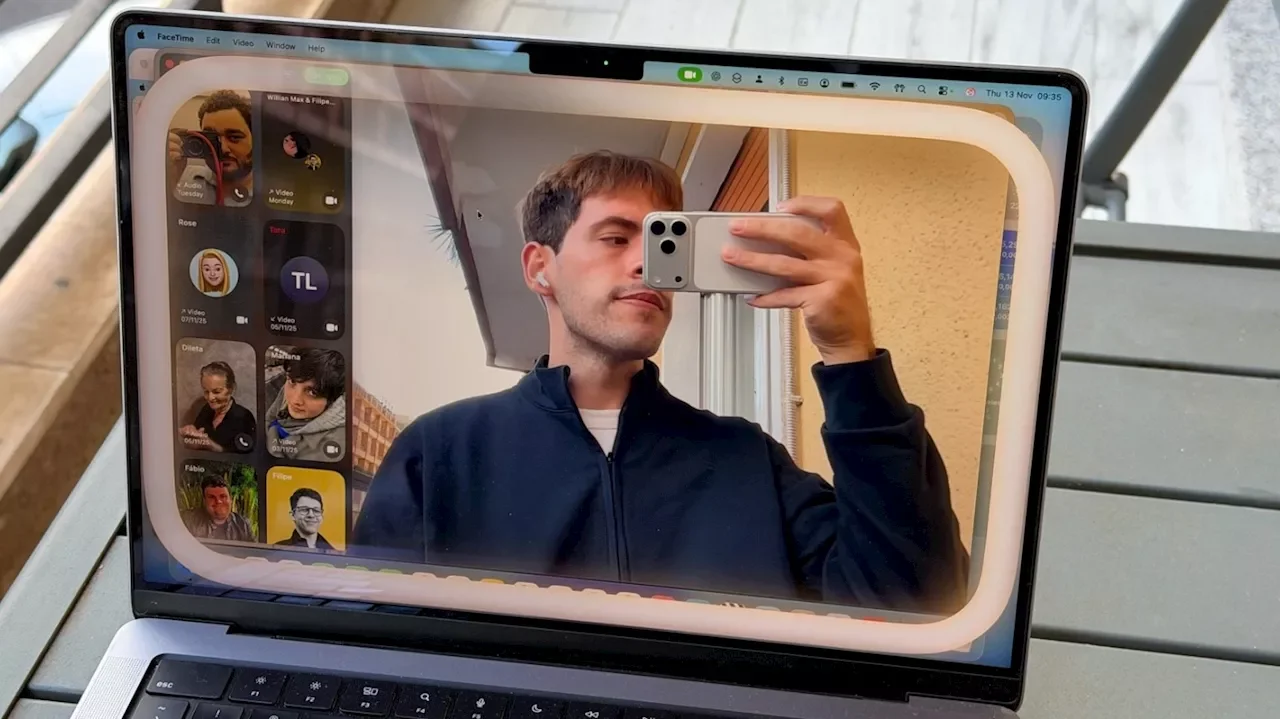
Apple has issued an important warning to MacBook users who rely on physical camera covers for privacy protection. The company advises that using these popular third-party accessories could potentially damage your display if not used carefully.
Camera covers have become one of the most widely used privacy accessories for MacBook users. While Apple maintains high standards for privacy and security against hacker attacks, many users prefer the added peace of mind that comes with physically blocking their webcam. This preference often stems from working in sensitive environments where information security is critical, or from a desire to completely eliminate any possibility of unauthorized recording.
According to Apple's official guidance, the primary risk lies in closing your MacBook with a camera cover installed. "If you close your Mac laptop with a camera cover installed, you might damage your display because the clearance between the display and keyboard is designed to very tight tolerances," the company states. This is a crucial consideration for users who want to maintain their device's integrity.
Beyond the physical damage risk, using a camera cover can interfere with important display features found in newer MacBook Pro and MacBook Air models. These devices include ambient light sensors that automatically adjust screen brightness and color temperature using True Tone technology. A physical obstruction blocks these sensors from functioning properly.
For users who must use camera covers due to workplace requirements, Apple provides specific recommendations. Any camera cover should be no thicker than a standard piece of printer paper, approximately 0.1 millimeters. The company also advises against covers that leave adhesive residue on the device. If your camera cover exceeds the printer paper thickness, Apple recommends removing it before closing your MacBook.
However, Apple emphasizes that camera covers may be unnecessary for most users. The company has implemented robust privacy controls across its operating systems. Starting with macOS Mojave, users must explicitly grant permission before any application can access the camera. Users can manage camera permissions by navigating to System Settings, then Privacy & Security, where they can view and control which applications have camera access.
Additionally, all Apple devices display visual indicators when camera or microphone access is active. MacBooks show a green light for camera use and an orange light for microphone use. Users can also review the complete history of camera and microphone access through the Control Center, providing full transparency about which applications have recently used these features.
If you choose not to use a physical camera cover, Apple guarantees that all camera and microphone access is disabled by default. You maintain complete control over which apps and websites can use your camera, and you can revoke access at any time through your device's privacy settings.