


Open-Source Tool Restic Offers Free NAS Backup Solution
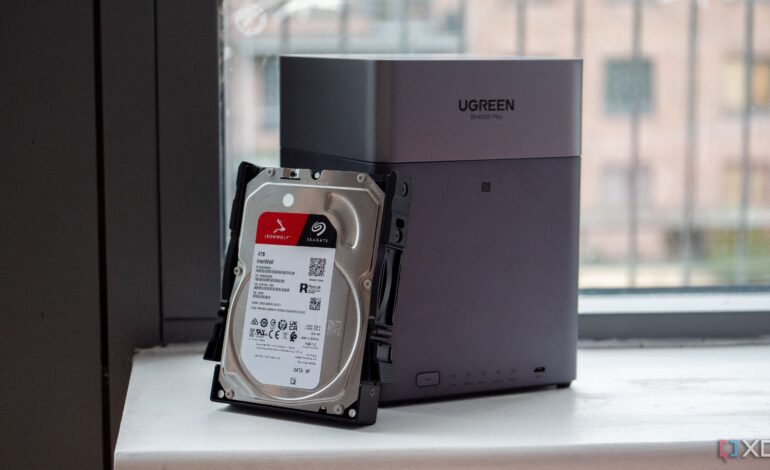

Backing up data is essential for individuals and businesses alike, particularly as cloud storage prices continue to rise. The open-source backup tool Restic has emerged as a cost-effective solution, allowing users to back up data directly to their Network-Attached Storage (NAS) devices without incurring monthly fees.
Many users start their data management journey with cloud storage solutions, often underestimating their storage needs. A typical scenario involves initiating a plan with a modest capacity, only to find oneself quickly upgraded to larger, more expensive tiers. For instance, after beginning with a 200GB plan from iCloud, many users soon find themselves transitioning to the 2TB option, leading to substantial long-term costs. Recognizing this, some individuals have turned to alternatives like Restic for a more sustainable and efficient backup approach.
Why Restic Stands Out in the Backup Landscape
Restic distinguishes itself by prioritizing simplicity and efficiency. Unlike many other backup software options, Restic treats data as content rather than merely a list of files. This fundamental design choice allows it to utilize content-defined chunking, breaking files into smaller blocks based on the data itself rather than fixed sizes. Consequently, if a large file is modified, only the affected chunks need to be uploaded again, reducing unnecessary bandwidth usage.
The tool’s design also enhances deduplication, meaning common files or libraries are stored only once, even across different devices. This efficient storage model allows users to maintain multiple snapshots without consuming excessive space. After the initial backup, Restic only uploads new or altered chunks, resulting in quicker and less bandwidth-intensive daily backups.
For security, Restic encrypts data locally using AES-256-CTR with Poly1305 for authentication, ensuring that plaintext data is never exposed during storage or transfer.
Setting Up Restic for Your NAS
Setting up Restic is straightforward, particularly for users familiar with command-line interfaces. For example, on a Mac, users can easily install Restic via Homebrew by running the command brew install restic in the terminal. Restic supports various methods for connecting to NAS devices, with the SFTP method being widely compatible.
To begin the backup process, users must first create a repository on their NAS. During the initialization, they will set a password for the repository, which is vital for both backup and restoration operations. Once established, backing up data becomes a simple task. Users can back up individual directories or multiple folders in one command.
Managing backup history is also user-friendly. Restic provides commands to view snapshots, verify repository integrity, and retrieve storage statistics. The forget command allows users to implement a retention policy, ensuring only the desired number of snapshots are retained while reclaiming space.
Restic’s robust performance and ease of use make it an appealing choice for those looking to take control of their data management without incurring ongoing costs. Whether for personal use or small businesses, using a NAS for backups can significantly streamline data organization and accessibility while avoiding the pitfalls of escalating cloud storage fees.